Feature #40
closedImplement parent-child ticket relationships in ticketing module
100%
## Spec — Parent/child ticket relationships (ticketing module)
Frontend-only. The board payload already returns every task with parent_id + status (TaskSummary), so parent→children grouping is derived **client-side** (Map<parentId, TaskSummary[]>) — **no backend change**.
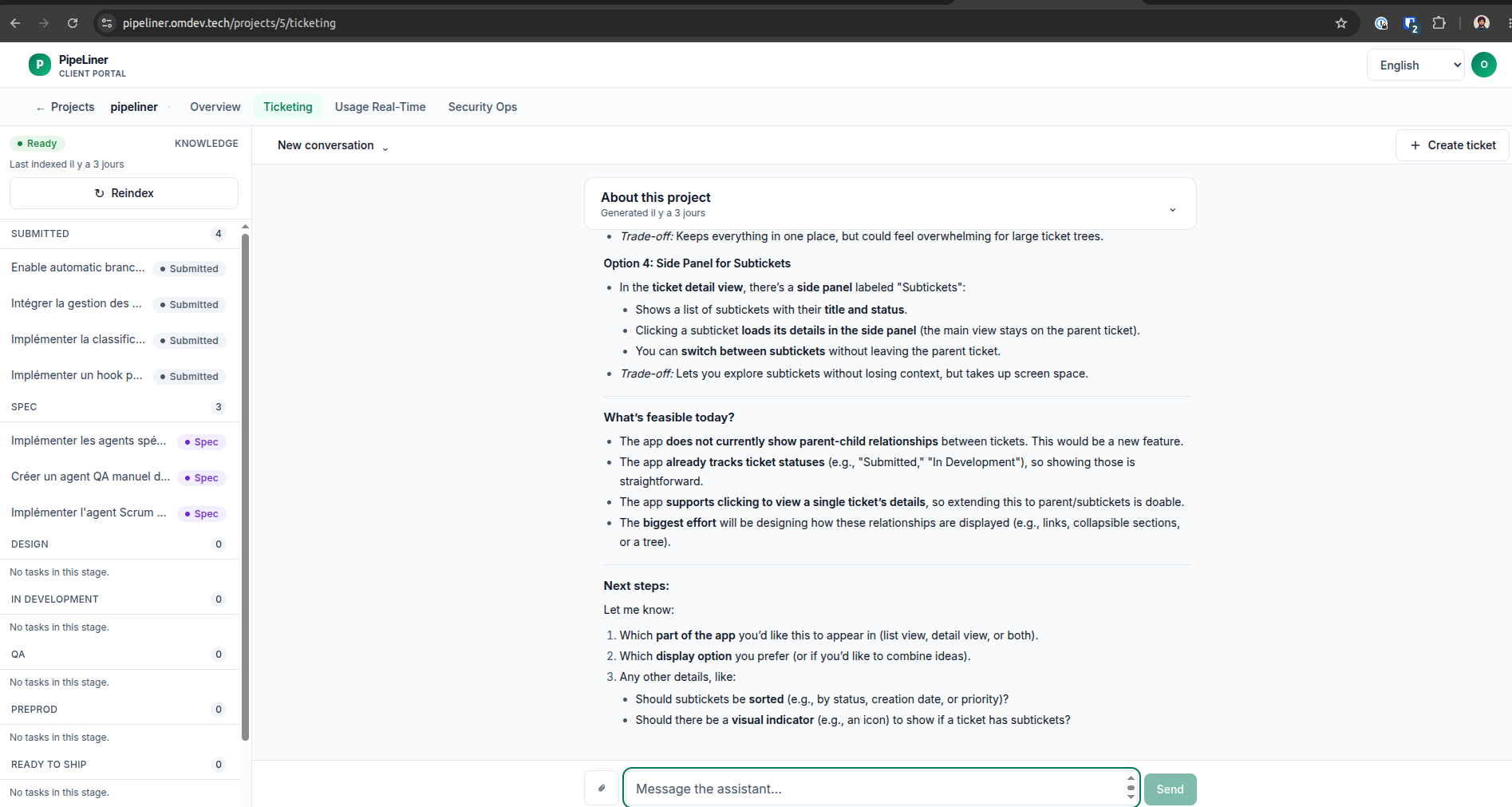
**List view:** a parent task shows an expand/collapse arrow (▶/▼); expanding reveals subtickets indented (title, StatusPill, 1-line preview = subject), sorted by status; clicking a subticket opens its detail + "Back to parent". One level of nesting only.
**Detail view:** if parent_id set → clickable "Parent Ticket" section (status from board) navigating to parent; if it's a parent → collapsible "Subtickets" section (title/status/preview), clicking replaces view + "Back to parent".
**Reuse** existing StatusPill (stageKey/statusLabel) — no new status color logic. i18n keys in en.ts only. Designer appends a design-system section first.
**AC:** expand/reveal indented subtickets; subticket click → detail + back; parent section navigates; subtickets section + replace-view; sort by status; one level; back-to-parent only on subticket; visual match; vitest/tsc/eslint/build green + TDD on the grouping/sort/nav logic. Guard orphan parent_ids (render as top-level).
Description
### Problem
Currently, the ticketing module does not display parent-child relationships between tickets. Users cannot see:
- The parent ticket of a subticket (or vice versa).
- The status of related tickets (parent/subtickets).
- A clear way to navigate between parent and subtickets without losing context.
### Context
Users need to visualize and navigate hierarchical ticket relationships (e.g., epics → subtasks) directly in the interface. This is critical for tracking dependencies and progress in complex projects. The app already tracks ticket statuses and supports basic navigation, but lacks visibility into parent-child links.
### Proposed Behaviour
Implement a hybrid approach (Option 3) to show parent-child relationships:
#### **1. Ticket List View (Board/Table)**
- Tickets with subtickets display a small **expand/collapse arrow (▶/▼)** next to their title.
- Clicking the arrow **expands subtickets indented under the parent**, showing:
- Title (e.g., "Subticket #124: Fix login bug").
- Status (e.g., "In Review") in a colored tag.
- A 1-line preview of the ticket content.
- Clicking a subticket **opens its detail view** (replacing the current view) with a "Back to parent" button.
#### **2. Ticket Detail View (Single Ticket)**
- If the ticket has a **parent**, show a "Parent Ticket" section at the top with:
- A clickable link to the parent (e.g., "Parent: [Ticket #123] – In Development").
- Clicking the link navigates to the parent’s detail view.
- If the ticket has **subtickets**, show a collapsible "Subtickets" section below the main details, listing:
- Title, status, and preview for each subticket.
- Clicking a subticket **replaces the current view** with its details (with a "Back to parent" button).
#### **3. Sorting and Nesting**
- Subtickets are **sorted by status** (e.g., "In Development" first).
- **One-level nesting only**: Subtickets of subtickets are not displayed (to avoid complexity).
#### **4. Visual Design**
- Use existing app styling for expandable arrows, status tags, and section borders.
- "Back to parent" button appears only when viewing a subticket.
## Acceptance criteria
- [ ] **Ticket List View**: Tickets with subtickets show an expandable arrow. Expanding reveals indented subtickets with title, status, and preview.
- [ ] **Ticket List View**: Clicking a subticket opens its detail view with a "Back to parent" button.
- [ ] **Ticket Detail View**: Parent tickets display a clickable "Parent Ticket" section (if parent exists).
- [ ] **Ticket Detail View**: Subtickets display in a collapsible section with title, status, and preview (if subtickets exist).
- [ ] **Ticket Detail View**: Clicking a subticket replaces the view with its details and shows a "Back to parent" button.
- [ ] **Sorting**: Subtickets are sorted by status (e.g., "In Development" first).
- [ ] **Nesting**: Only one level of subtickets is shown (no nested subtickets of subtickets).
- [ ] **Visual Design**: Expandable arrows, status tags, and sections match the app’s existing styling.
- [ ] **Navigation**: "Back to parent" button returns users to the parent ticket’s detail view.
Files